

Summary
18 items · 30 to 60 minutes
Why forgotten subscriptions drain household budgets
Streaming services, fitness apps, cloud storage, news sites, and software tools all share one trait: they charge quietly. A $9.99 renewal barely registers on a bank statement, but four or five of those charges add up to $600 or more a year before a family notices. The spending habits that quietly drain budgets often involve exactly this pattern: small, automatic, easy to overlook.
Free trials that auto-convert to paid plans are a particularly common culprit. A trial started for a specific reason, such as a school project or a vacation, stops being useful but keeps billing. The same thing happens when a family member cancels their own account on a shared plan without telling anyone, or when a cheaper alternative replaces a service that nobody got around to cancelling.
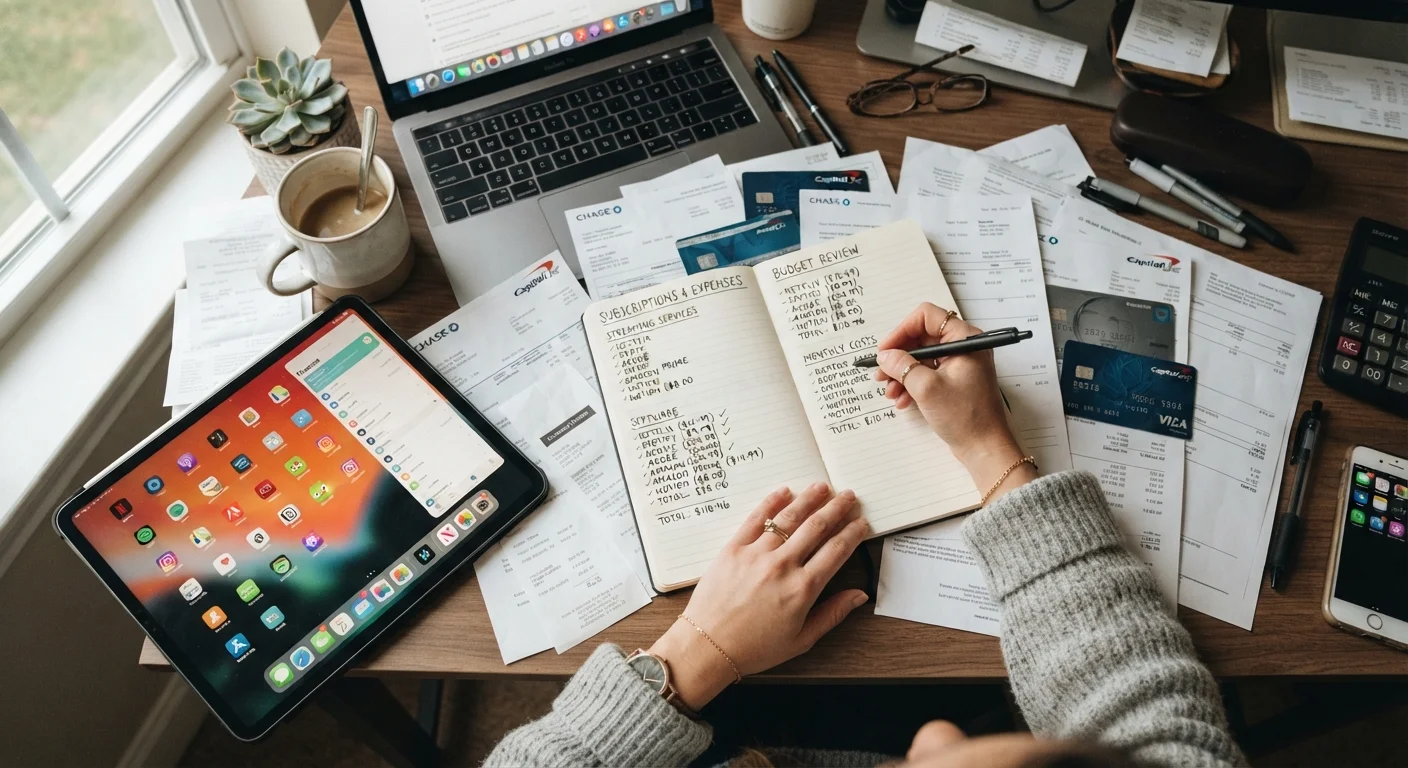
This checklist walks through a complete household subscription audit. Work through it once, then schedule a repeat every three months to prevent the pile from growing back.
Free trials convert automatically
Most free trials require you to enter payment details upfront and will charge you the moment the trial period ends unless you cancel first. Many services make cancellation straightforward but bury the option in account settings. Set a calendar alert before any trial expires so you are not billed by default.
Tools you will need before you start
Gather these items before running through the checklist. Having them ready cuts the time in half.
Bank and credit card statements (3 months)
The primary source for identifying recurring charges across all payment methods.
Email account access
Used to search for subscription receipts, renewal notices, and billing confirmations.
Spreadsheet or notes app
Keeps your subscription list organized and makes it easy to calculate monthly totals.
App store subscription screen
Shows all active subscriptions billed through Apple or Google accounts.
PayPal or digital wallet transaction history
Catches recurring charges that do not appear on traditional bank statements.
The subscription audit checklist
Work through each group in order. The first two groups focus on finding charges; the later groups cover decisions and follow-up. If you share finances with a partner, do this together so nothing gets missed on either person's accounts.
For context on how subscription costs interact with larger household spending, see the full picture of household expenses.
Find every recurring charge
Build a complete subscription list
Evaluate each subscription
Cancel, pause, or downgrade
Prevent future accumulation
What to do after the audit
Once you have cancelled or downgraded services, record your new monthly total in a simple spreadsheet or a notes app. Compare that number against your figure from before the audit. That difference is the amount you freed up each month, real money that can go toward groceries, an emergency fund, or debt repayment.
Set a recurring calendar reminder every 90 days labeled "subscription check." At each check, scan the previous three months of statements for any new recurring charges. New trials and app purchases tend to appear in clusters, so a quarterly cadence catches them before they accumulate.
Subscription fees are also worth factoring in before any new tech purchase. The hidden costs tied to new tech frequently include mandatory service plans or cloud storage fees that outlast the device itself. Checking for those before you buy prevents the same problem from starting fresh.
If your audit reveals that overall household costs are higher than expected across multiple categories, proven approaches to managing household expenses can help you build a more durable tracking system.
The content provided on our blog site traverses numerous categories, offering readers valuable and practical information. Readers can use the editorial team’s research and data to gain more insights into their topics of interest. However, they are requested not to treat the articles as conclusive. The website team cannot be held responsible for differences in data or inaccuracies found across other platforms. Please also note that the site might also miss out on various schemes and offers available that the readers may find more beneficial than the ones we cover.