

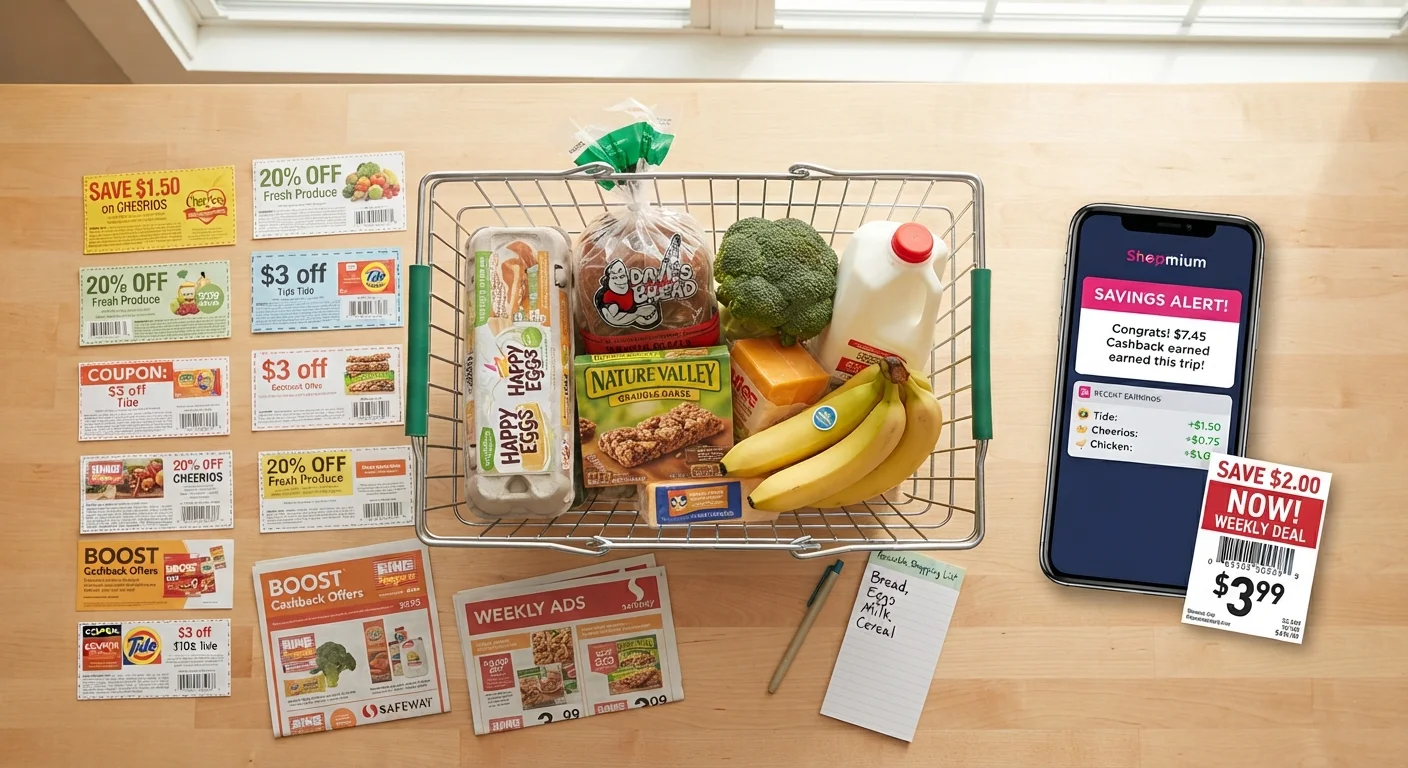
What stacking discounts actually means
Stacking discounts means applying more than one savings method to a single purchase. A typical stack uses three layers: a store sale that reduces the shelf price, a coupon or promo code that cuts the sale price further, and a cashback program that returns a percentage of what you paid. Each layer works independently, so combining them does not require any tricks or policy loopholes.
The math compounds in your favor. If an item is 20% off, a 10% coupon applies to the already-reduced price, not the original. Cashback then applies to whatever amount you actually pay at checkout. That sequence matters because each reduction is calculated on a smaller base than the one before it.
It is worth understanding what a sale price actually includes before stacking, since markups before markdowns and shipping fees can erode the savings you think you are building on.
Start with your regular shopping list
Stacking works best on purchases you were already planning to make. Building a shopping list first and then finding savings to layer onto it keeps spending in check. Reversing that order, where a good-looking stack motivates the purchase, usually leads to spending more overall.
Before you start: what you need
Stacking does not require a large toolkit. The essentials are a free cashback account with at least one program, a coupon source (manufacturer or retailer), and a little time to verify that the store allows combining discounts. Most major grocery and general merchandise retailers do. Specialty retailers sometimes restrict stacking to one discount type per transaction, so reading the policy page takes less than two minutes and prevents a frustrating moment at checkout.
What you will need
How to stack a purchase step by step
The steps below apply to both in-store and online purchases. The order matters: starting with the sale price ensures every subsequent discount applies to the lowest possible base.
Find items already on sale
Start by identifying what is genuinely discounted at the stores you plan to shop. Weekly store circulars (available on retailer websites or apps) show current sale prices. A real sale price is your lowest possible base, and every subsequent discount layer will be calculated from it.
Search for a matching coupon
Check for both manufacturer coupons and store coupons for each sale item. Manufacturer coupons come from the brand and are usually accepted at any retailer that carries the product. Store coupons are issued by the retailer and apply only within that store. Both can typically stack with a sale price, and a manufacturer coupon can usually combine with a store coupon for the same item.
Digital coupon wallets inside retailer apps let you clip coupons before shopping so they apply automatically at checkout, which removes the risk of forgetting to hand over a paper coupon.
Activate a cashback offer before purchasing
Log into your cashback portal or app and activate any offer for the retailer or product category before you shop. Activation is the step most people skip, and without it the cashback does not track. For online purchases, click through to the retailer from inside the cashback portal so the session is recorded.
Verify the retailer's stacking policy
Most retailers allow one manufacturer coupon and one store coupon per item, combined with any active sale. Some also permit a percentage-off promo code on top. Check the policy page or ask a store associate before you finalize the cart, especially at specialty retailers where stacking rules are more restrictive.
Complete the purchase and confirm cashback is tracking
After checkout, verify that the cashback transaction appears in your account, usually within 24 to 72 hours for online orders. In-store cashback tied to a linked card may take longer. If it does not appear within the program's stated window, use the portal's missing cashback claim form before the claim deadline passes.
Common mistakes that cancel out savings
The biggest error is buying something you would not have purchased at full price simply because the stacked discount looks compelling. A 40% combined saving on an item you do not need is still money spent, not saved.
Chasing a minimum spend threshold to unlock free shipping or a bonus cashback tier is another common drain. If the item you are adding to the cart costs more than the shipping fee or bonus reward you are unlocking, the math is working against you. Buying more to save more follows the same flawed logic as overfilling a cart to hit a free-shipping minimum.
Manufacturer coupons and store coupons are usually stackable with each other; two store coupons for the same item almost never are. Confirming which type you have before checkout prevents the coupon being voided at the register.
For a broader look at how sale messaging can push spending in the wrong direction, see common sale-season myths examined.
Tools that make stacking faster
Browser extensions and cashback apps can automate part of the stack. Extensions typically surface coupon codes and compare prices as you browse; apps track qualifying purchases after the fact and deposit rewards on a schedule. Neither replaces checking the store's coupon policy, but both reduce the time needed to find active offers.
Shopping apps and browser extensions work differently, and the one that fits your habits will get used more consistently, which matters more than which has the better feature list.
Keeping a simple note with your active cashback portals and any pending rewards prevents leaving money unclaimed. Most cashback programs have a minimum payout threshold, so tracking small balances across several programs helps you reach payouts without forgetting about them.
The content provided on our blog site traverses numerous categories, offering readers valuable and practical information. Readers can use the editorial team’s research and data to gain more insights into their topics of interest. However, they are requested not to treat the articles as conclusive. The website team cannot be held responsible for differences in data or inaccuracies found across other platforms. Please also note that the site might also miss out on various schemes and offers available that the readers may find more beneficial than the ones we cover.